Agentic Chat
for Power Users
The web interface we wish OpenClaw had shipped with.
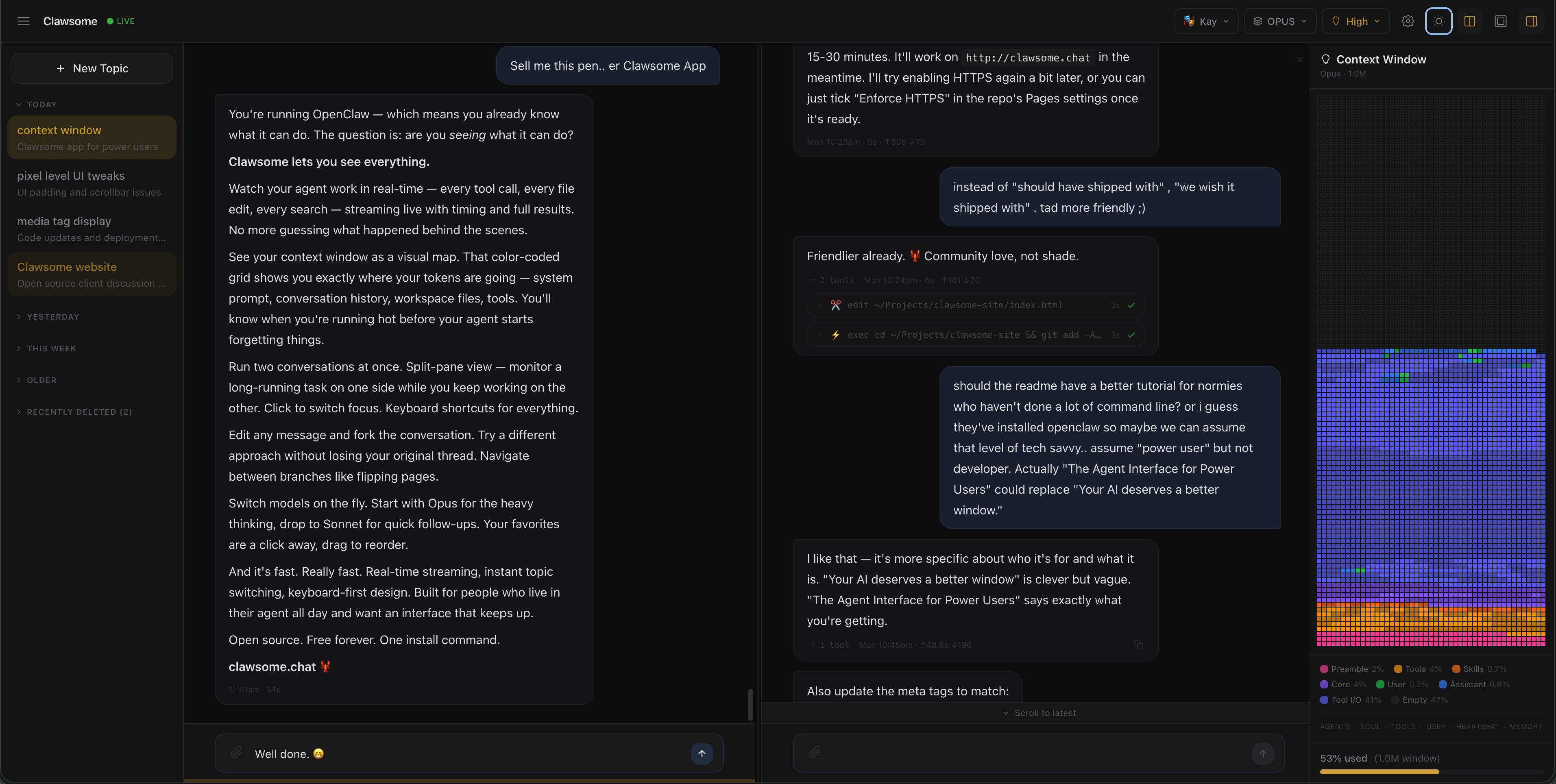
The web interface we wish OpenClaw had shipped with.
Send your inquiry to many models at once. The best ideas are synthesized into one superior answer. Or compare individual responses.
Chat in two conversations side by side. Or split either pane vertically to read earlier context while you compose at the bottom.
Edit any previous message to fork the conversation. Wander off topic then "rewind" to continue where you left off.
8 built-in themes — Dracula, Monokai, Nord, and more. Live color pickers, curated fonts per theme, dark/light toggle. Save your own. The entire UI repaints as you pick.
Talk to your agent(s) with push-to-talk and hear them respond in their own voice.
See your agent face-to-face, complete with real-time lip-sync. Default models included — or make your own.
HTML pages, SVGs, charts, interactive tools — rendered live in a persistent side panel. Your AI builds it, you use it. Auto-refreshes when files change.
Fully responsive layout with touch-friendly controls. Use Clawsome anywhere — desktop, tablet, or phone.
A real interactive shell as a sidebar tab. Easy access to the command line of your host machine in a pinch.
Peek inside your AI's reasoning process with expandable thinking panels. Understand not just what it says, but how it got there.
A gorgeous visual grid shows exactly what's eating your token budget. And the cost center helps you keep tabs on your model-provider usage.
See every tool your AI uses: file edits, web searches, code execution. Or don't. Collapsible details cards offer the right amount of transparency into every action.
It's free and waiting for you on GitHub.
git clone https://github.com/mode80/clawsome && cd clawsome && npm install && npm run dev